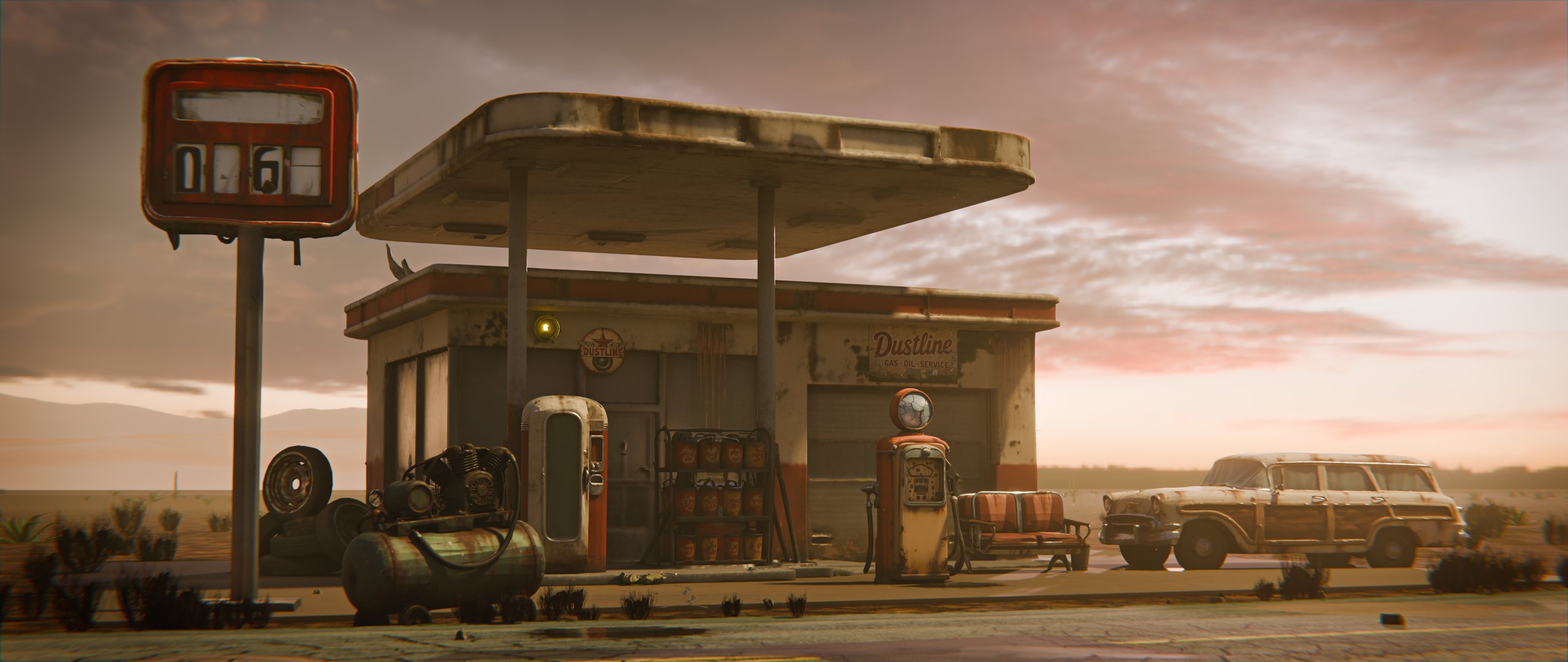
From one theme
to a finished scene.
A rusted 1950s gas station, built end to end with ComfyUI, Pixal3D and Blender, and driven by Claude through MCP. Every image below comes from that single run.
Pick a theme. Choose by number. Get a scene you can render.
Twelve steps, one conversation
You make the choices. Claude runs ComfyUI and Blender between them.
A rusted 1950s gas station in the desert
Claude turns the theme into a list of props before drawing anything: the station, a gas pump, a price sign, a car, a soda machine, oil cans, tires, an air compressor and a bench.
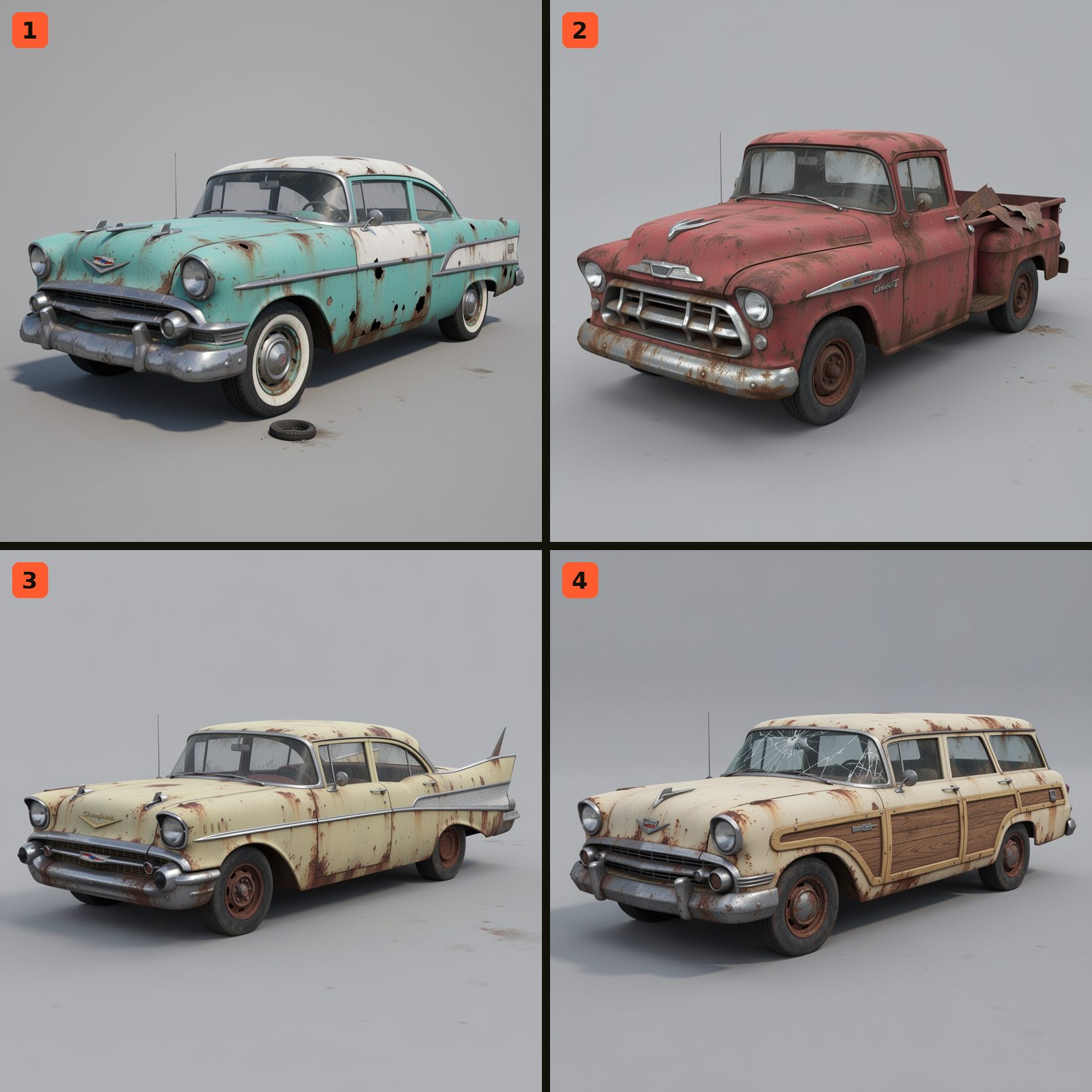
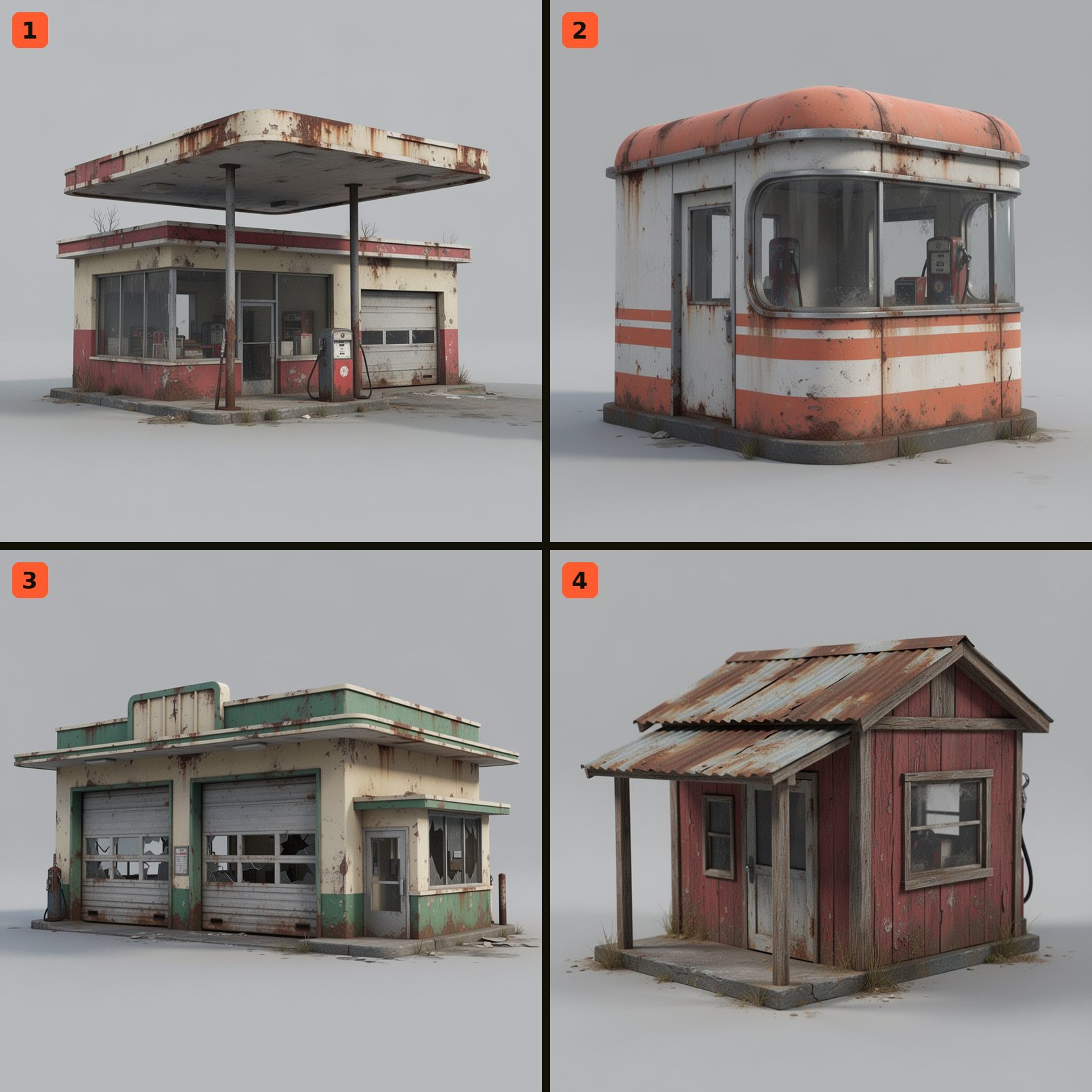
Four concepts per prop
Every prop gets four options. You answer with numbers and can keep two of the same prop. Real brand logos are erased with Qwen Image Edit before anything goes to 3D.
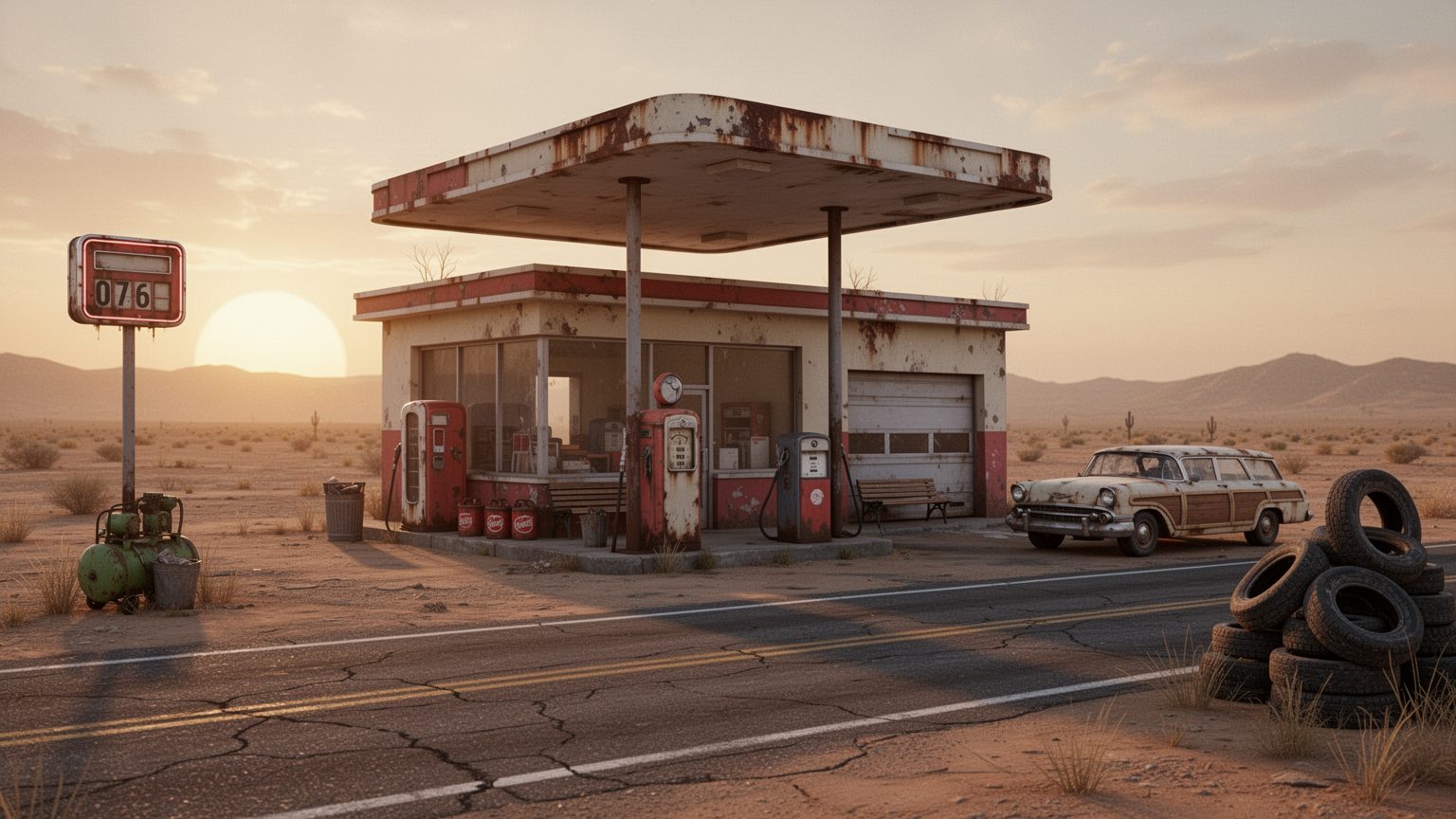
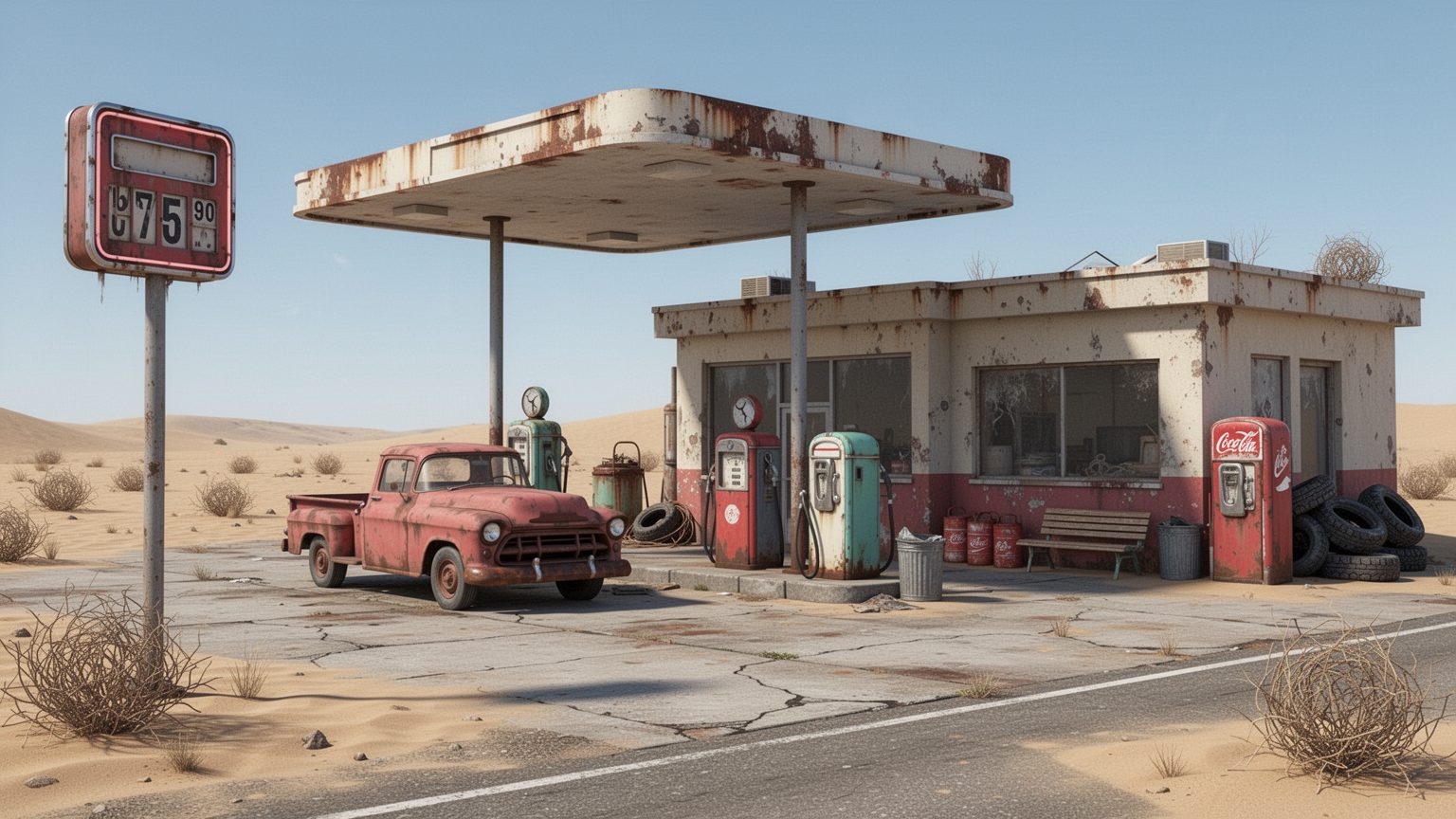
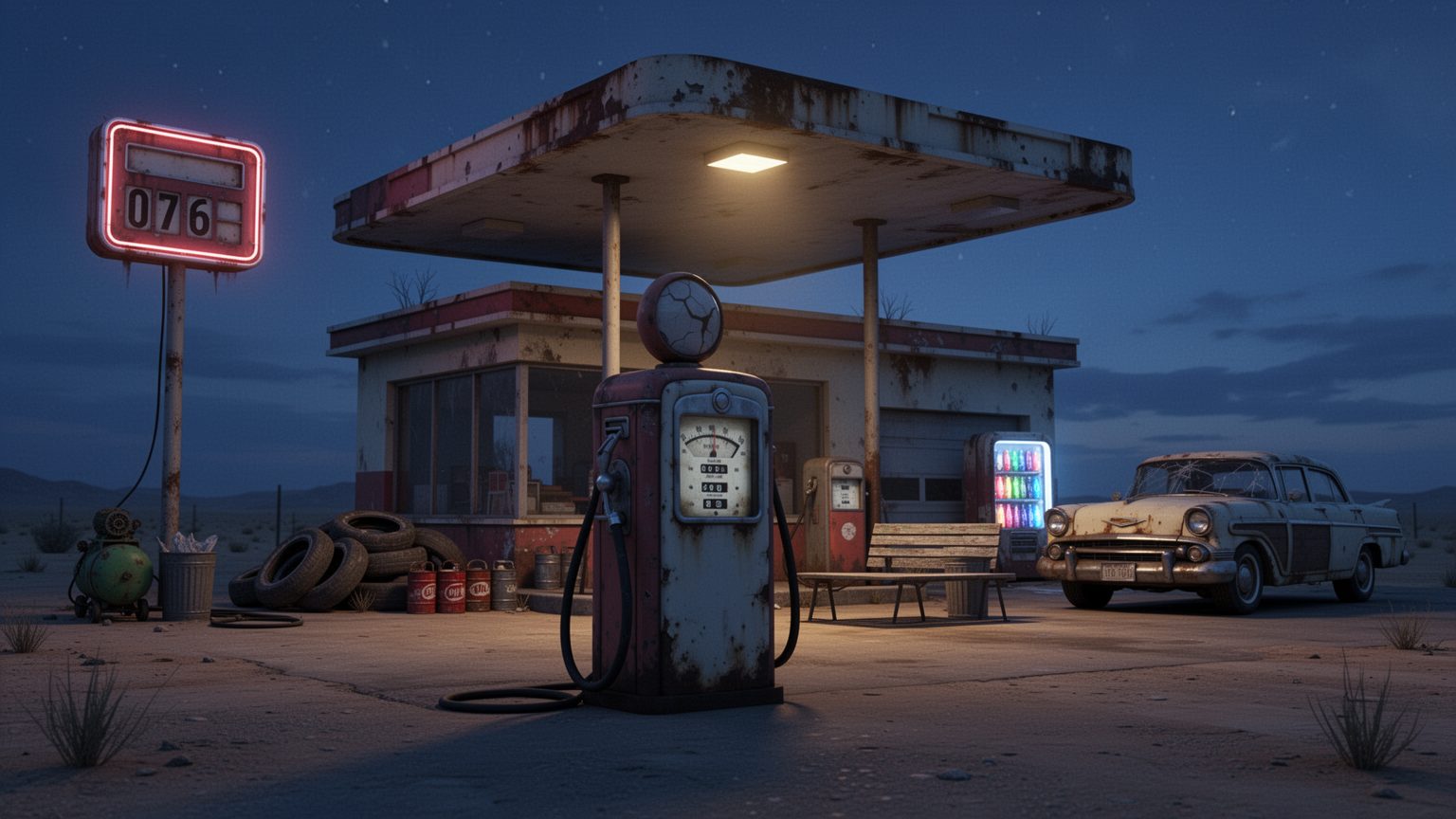
See the final shot before any 3D
The chosen props are fed back as references and combined into three possible final images. You know what you are building before a single mesh exists. This run went with the sunset.
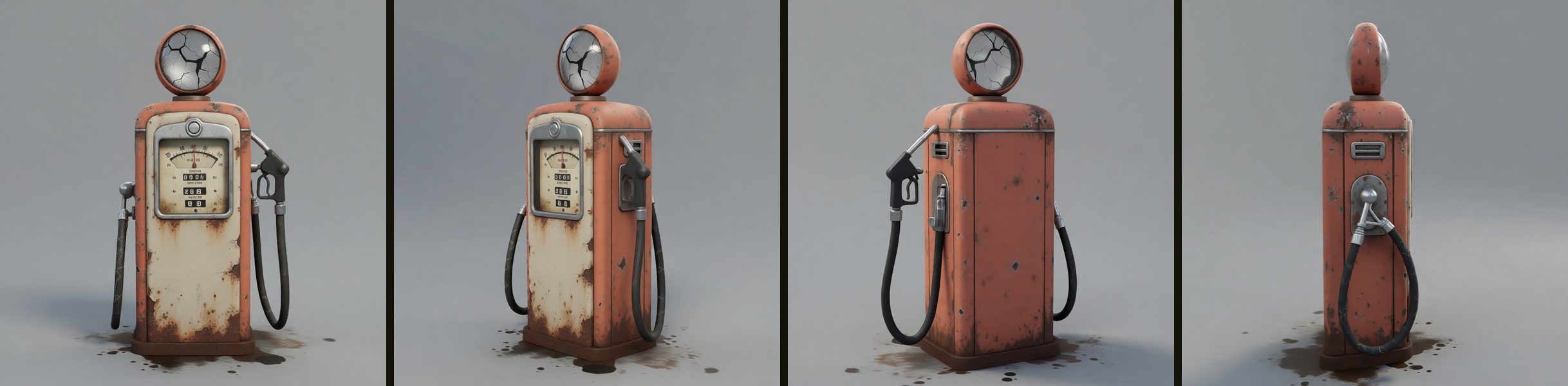
Four angles of the same object
The front view is generated first, then the sides and the back are generated from it, so the pump stays the same pump all the way around.
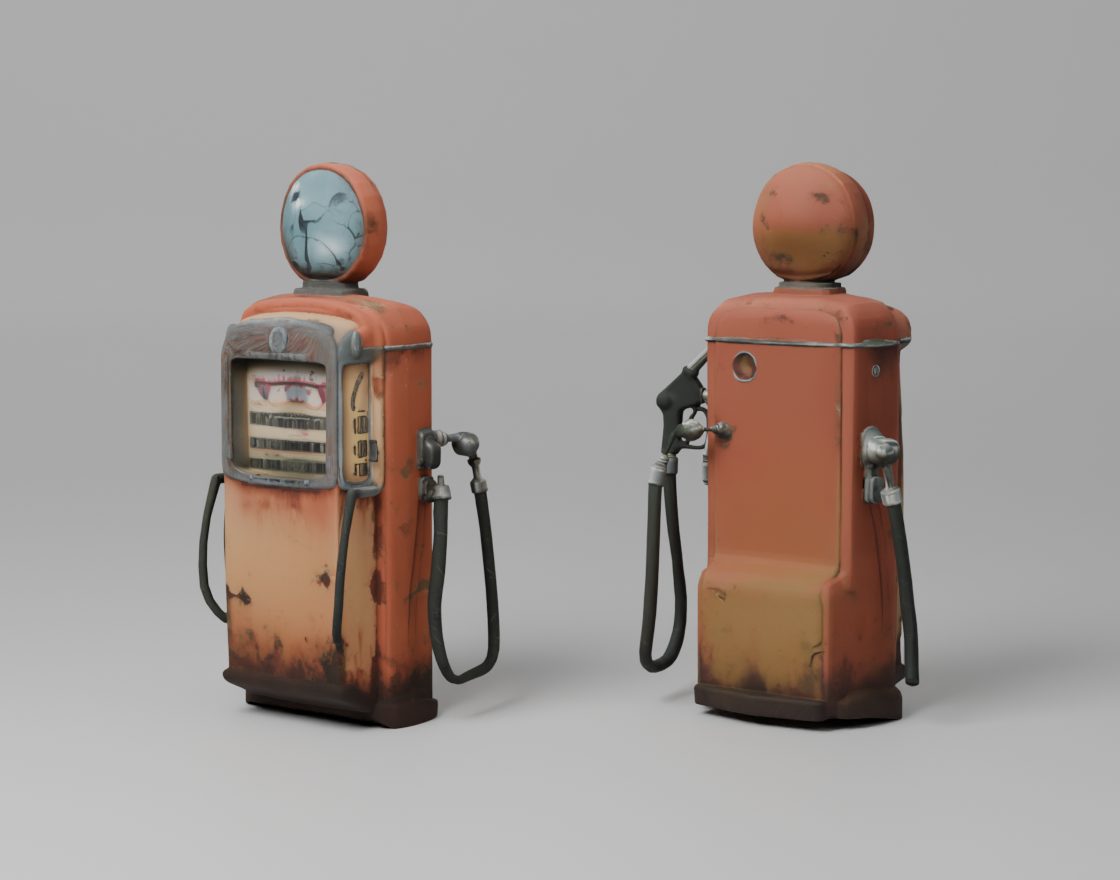
Image to 3D
Pixal3D builds a dense textured mesh from the four views, with a real back instead of a guessed one. It is detailed, but far too heavy for a game: about 700,000 triangles for one pump.
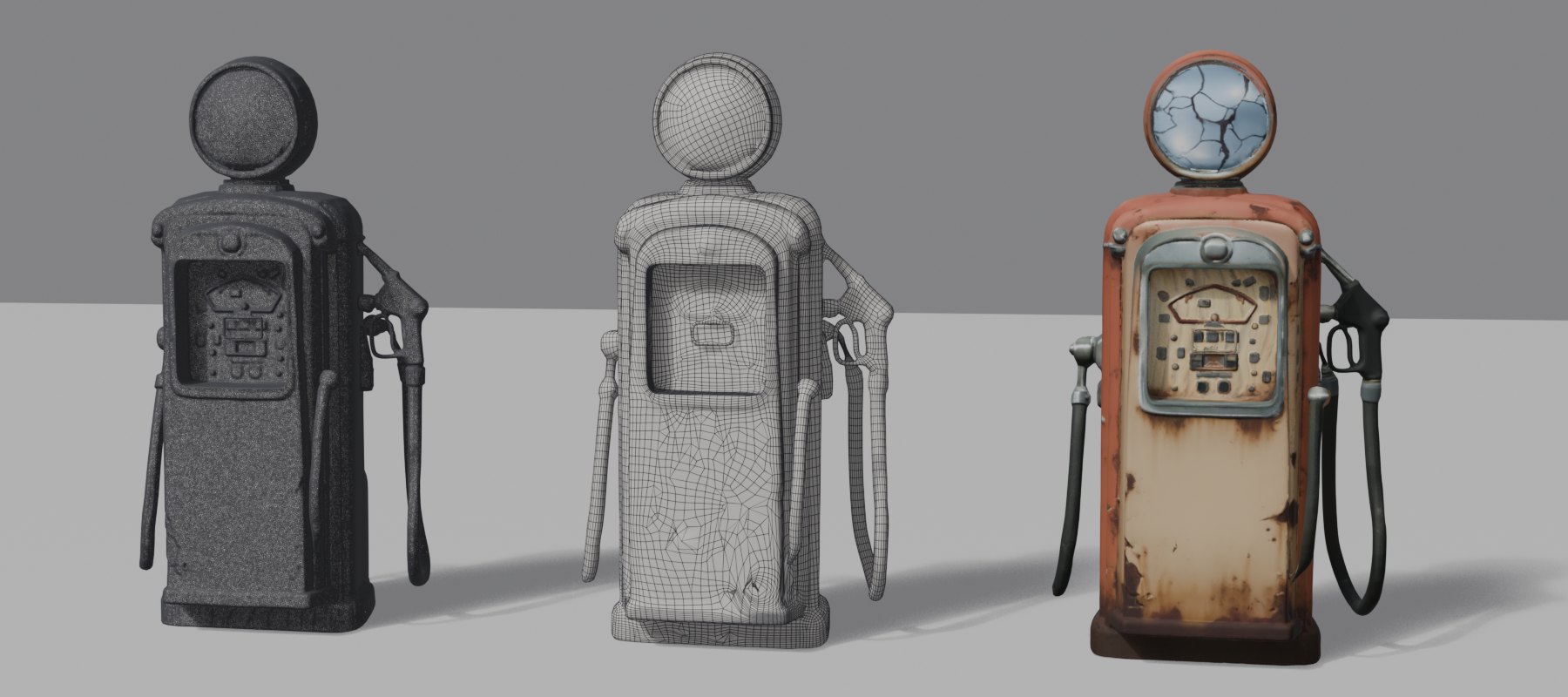
Retopology
Quad Remesher rebuilds the pump as clean quads, 28 times lighter. The shape stays, the noise goes. The low poly on the right carries no extra geometry: its detail comes back from the bake.
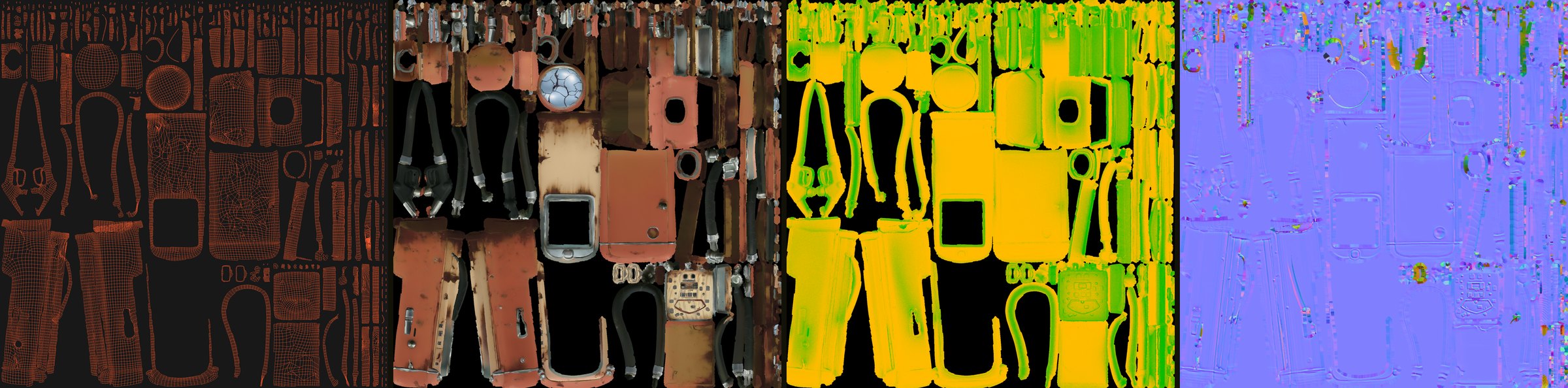
UVs and baked maps
The low poly is unwrapped, then the high poly is baked onto it: base color, an ORM map packing occlusion, roughness and metal, and a normal map that carries the small dents and bolts. Four 2K textures, ready for any engine.
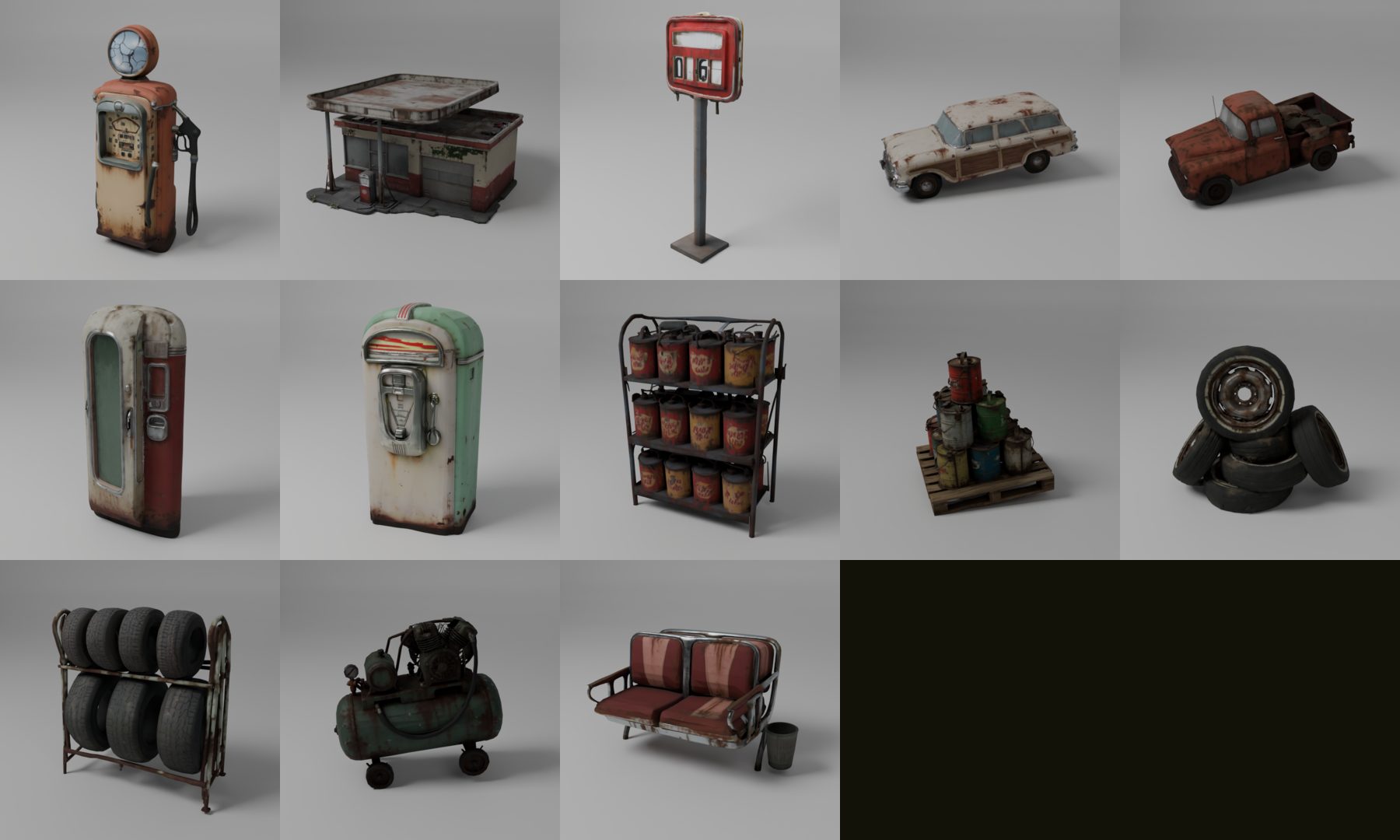
Every prop, game ready
The same treatment for every prop: thirteen GLB files at 12,000 to 37,000 faces each. When the four views drifted, as with the station wagon, one image gave the better mesh. The building came out sharper with TRELLIS.2.
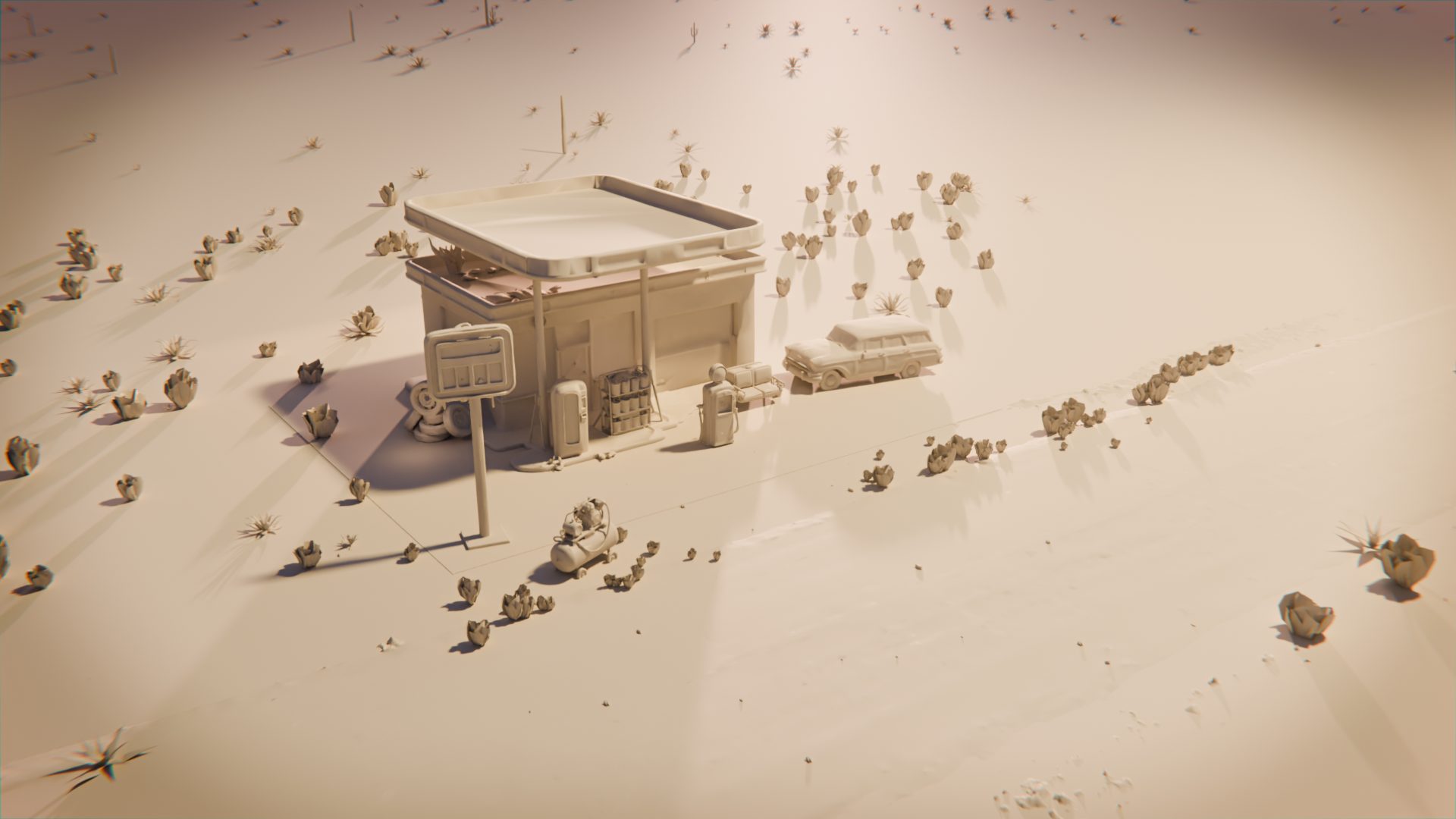
A real 3D set
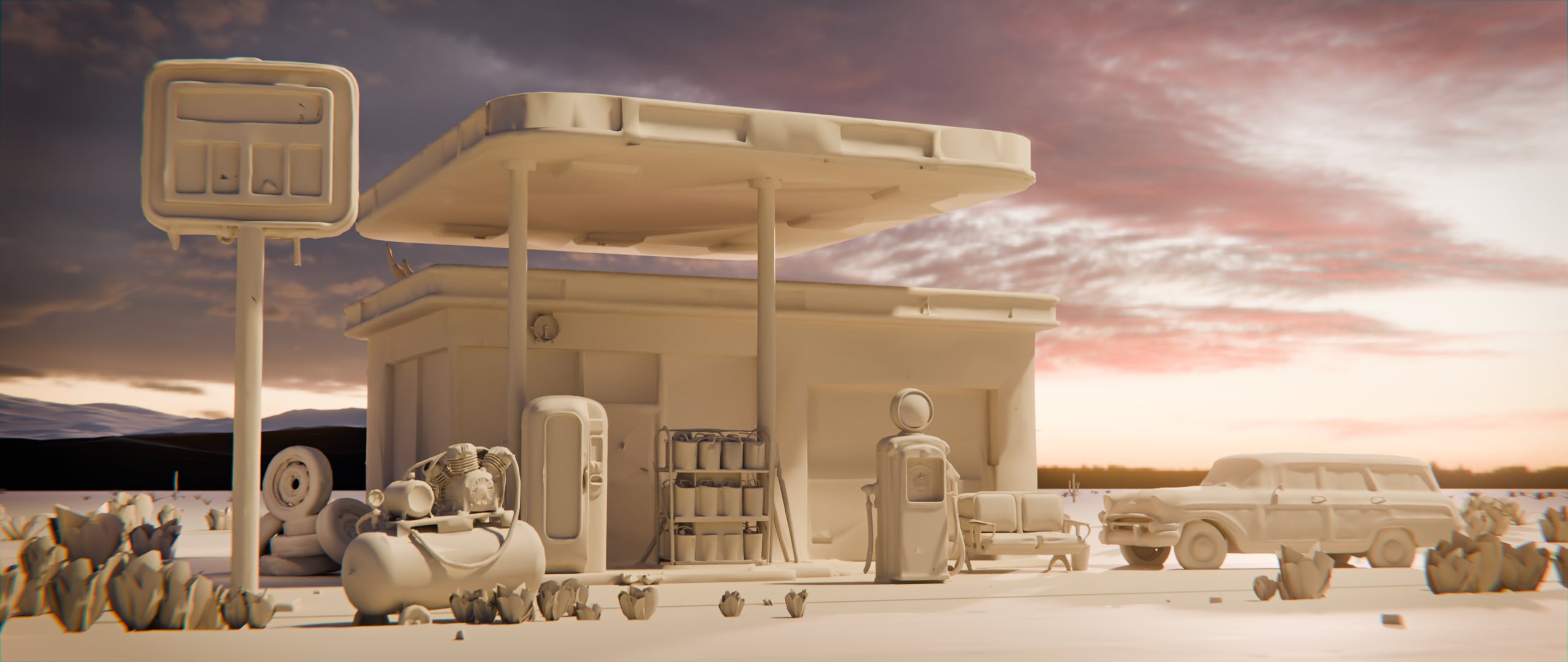
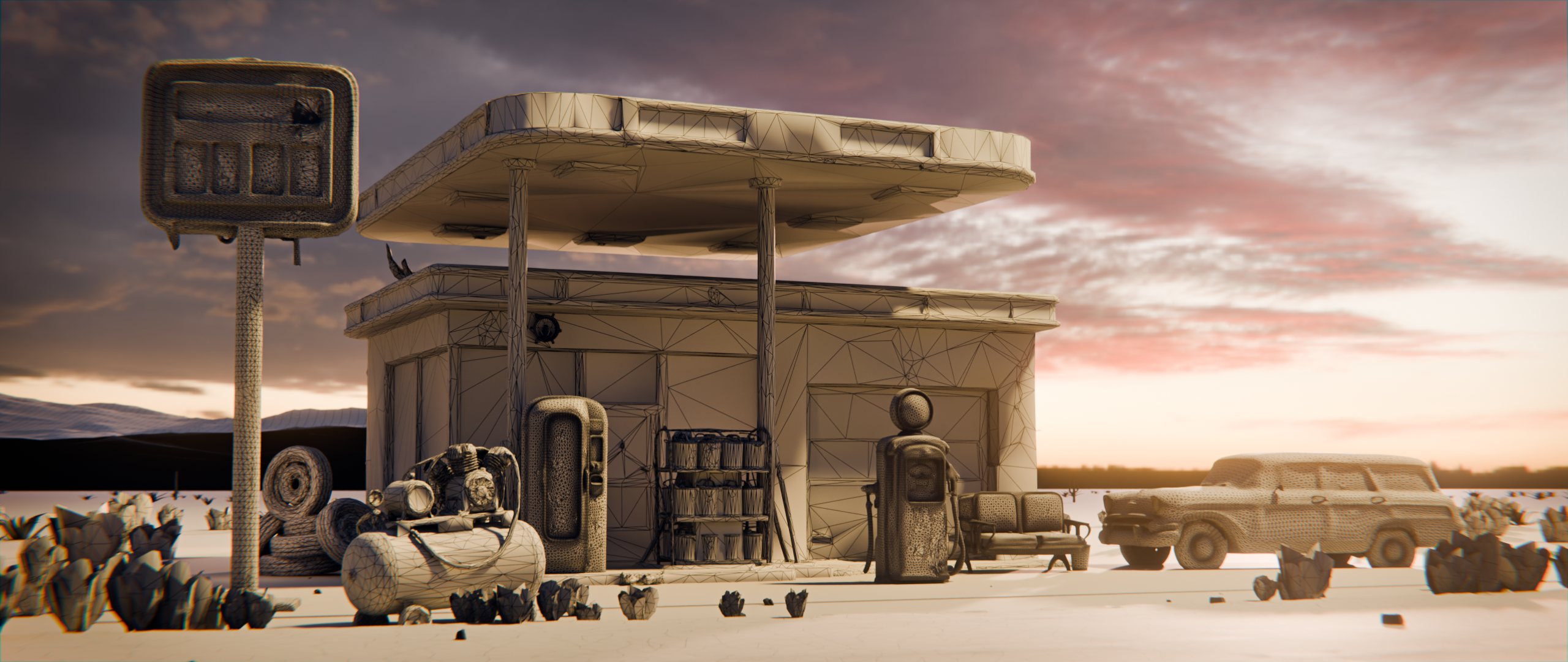
Every prop is a mesh in one Blender scene, scaled to real sizes and placed on a road through a desert dressed with BlendKit plants. The camera can go anywhere: this is a set, not a painting.
Light and atmosphere
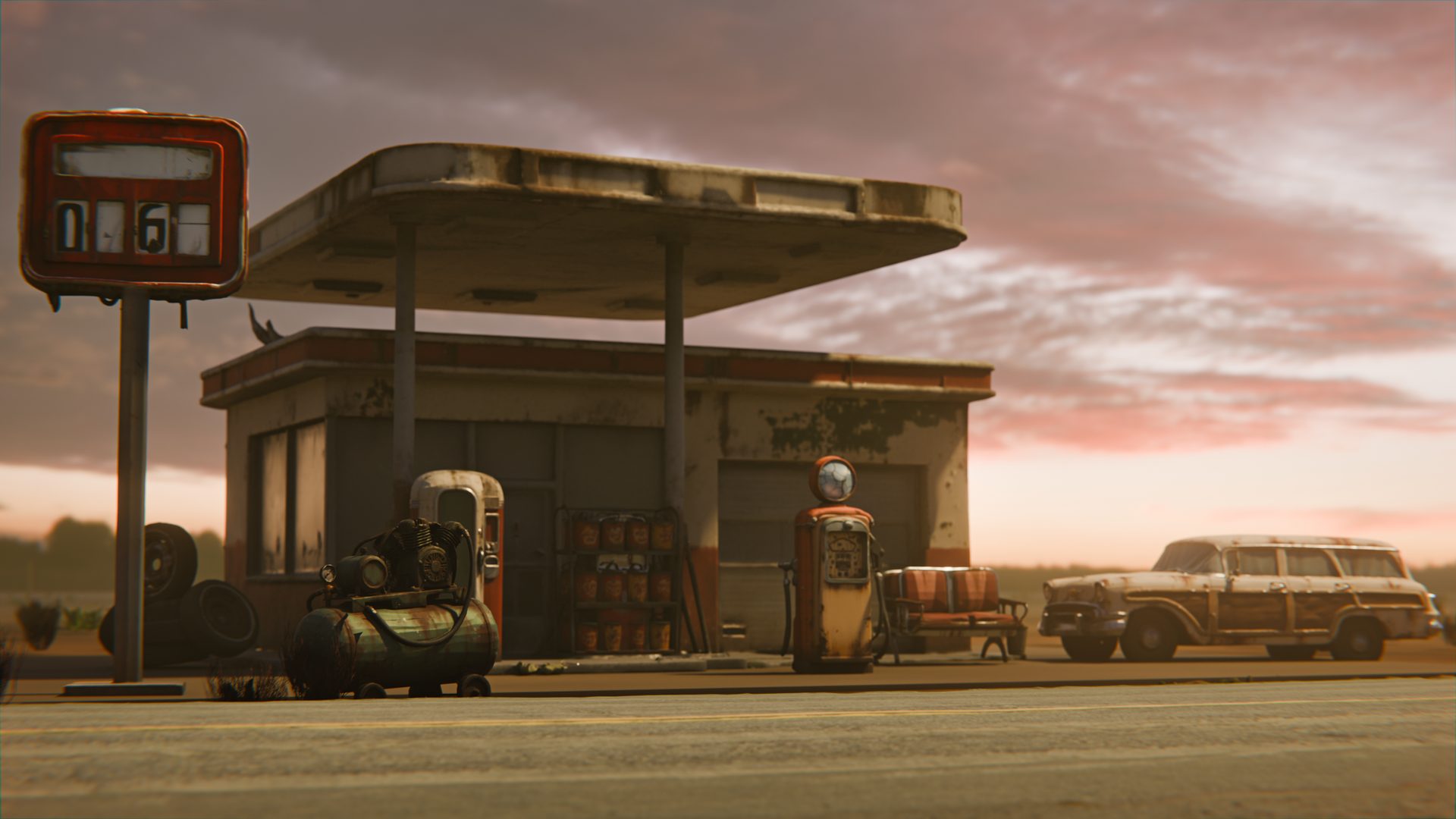
A sunset HDRI and ground haze set the mood. This is the scene before the wear pass.
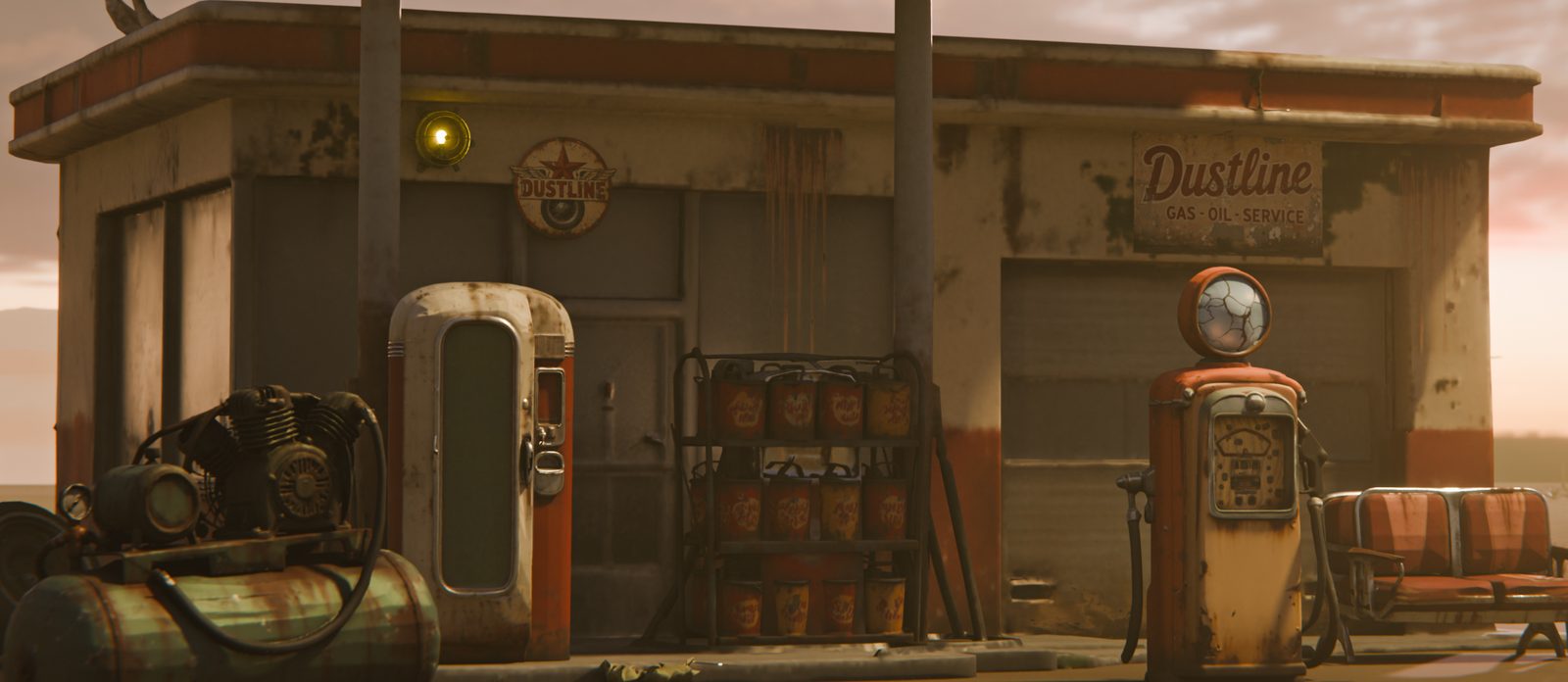
Wear and story
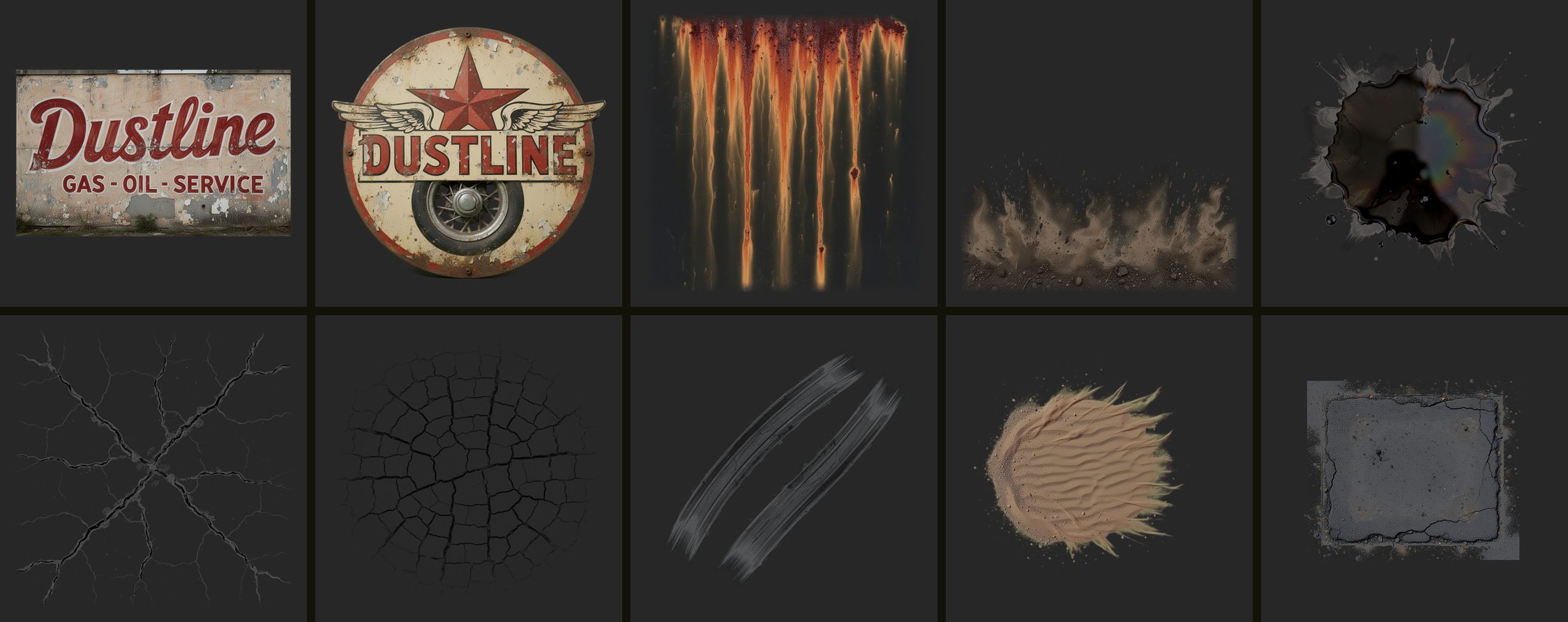
ComfyUI also paints the wear: a faded sign for Dustline, a made up brand, plus rust streaks, grime, oil stains, cracks, skid marks and blown sand. Each one is a transparent plane laid on the wall or wrapped onto the road.
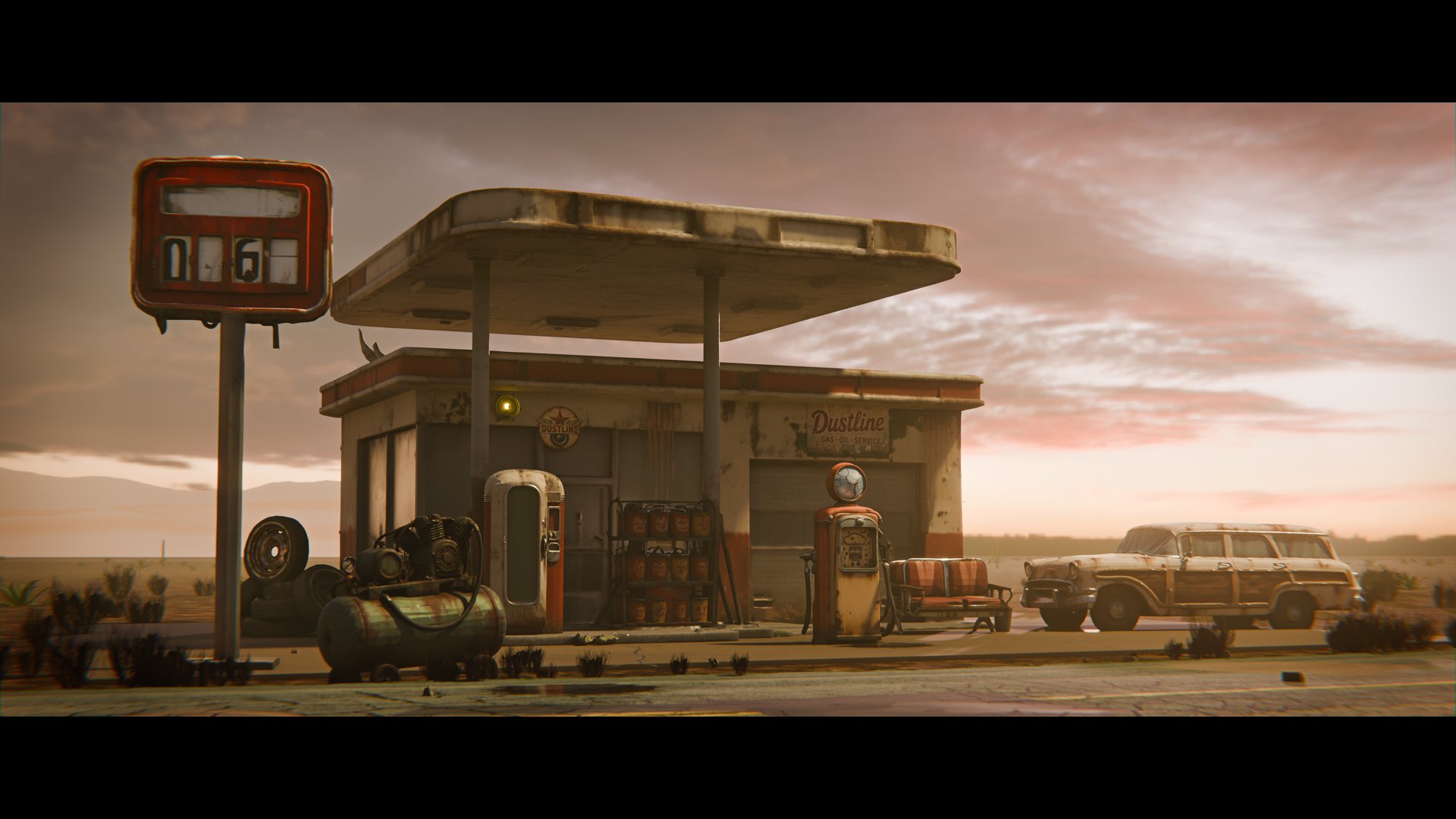
One ultrawide frame
Rendered in Cycles at 5120 × 2160, in the 21:9 ultrawide format. A wall lamp left on above the door is the only warm light in the station. The scene itself stays a set of GLB files you can open in Unreal Engine, Unity or any viewer.
Next stop, Unreal Engine
Every prop on this page is a game ready asset: clean topology, baked PBR textures, one GLB each. A demo of this station running in Unreal Engine is on the way, with a full tutorial.
What you need
Everything that generates or builds runs on your own machine. The models are open. Quad Remesher is a paid Blender add-on.
- Images
- Flux 2 Turbo in ComfyUI.
- Edits
- Qwen Image Edit 2511 and the Multiple Angles LoRA.
- 3D
- Pixal3D and TRELLIS.2, running in ComfyUI.
- Low poly
- Blender with Quad Remesher, then a texture bake.
- Scene
- Blender, Cycles and BlendKit assets.
- Glue
- MCP servers for ComfyUI and Blender.
- Driver
- Claude, which runs the steps in order.